Dailyclip for iOS
Your daily moments, stitched into one story.
Capture a photo or video every day, organize moments in a calendar, and play your life back as a single video you can save and share.

Dailyclip
Minimal, private, daily video diary
Features
Designed for consistency—and calm.
Everything you need to capture one moment per day and play it back as a story.
Calendar-based daily logging
Pick any date and build a simple daily timeline.
Add photos & short videos
Mix moments—photos and clips—in one place.
One-tap playback for day/month
Watch a day or a month as a single story.
Export, download, and share
Save videos to your device and share anywhere.
Local storage for privacy
Your media stays on your iPhone—no uploads.
How it works
Five simple steps.
No account. No complexity. Just daily moments.
- 1
Select a date
- 2
Add photos or clips
- 3
Preview, reorder, or delete scenes
- 4
Tap Play to watch your day/month
- 5
Export and share
App Preview
A clean, focused interface.
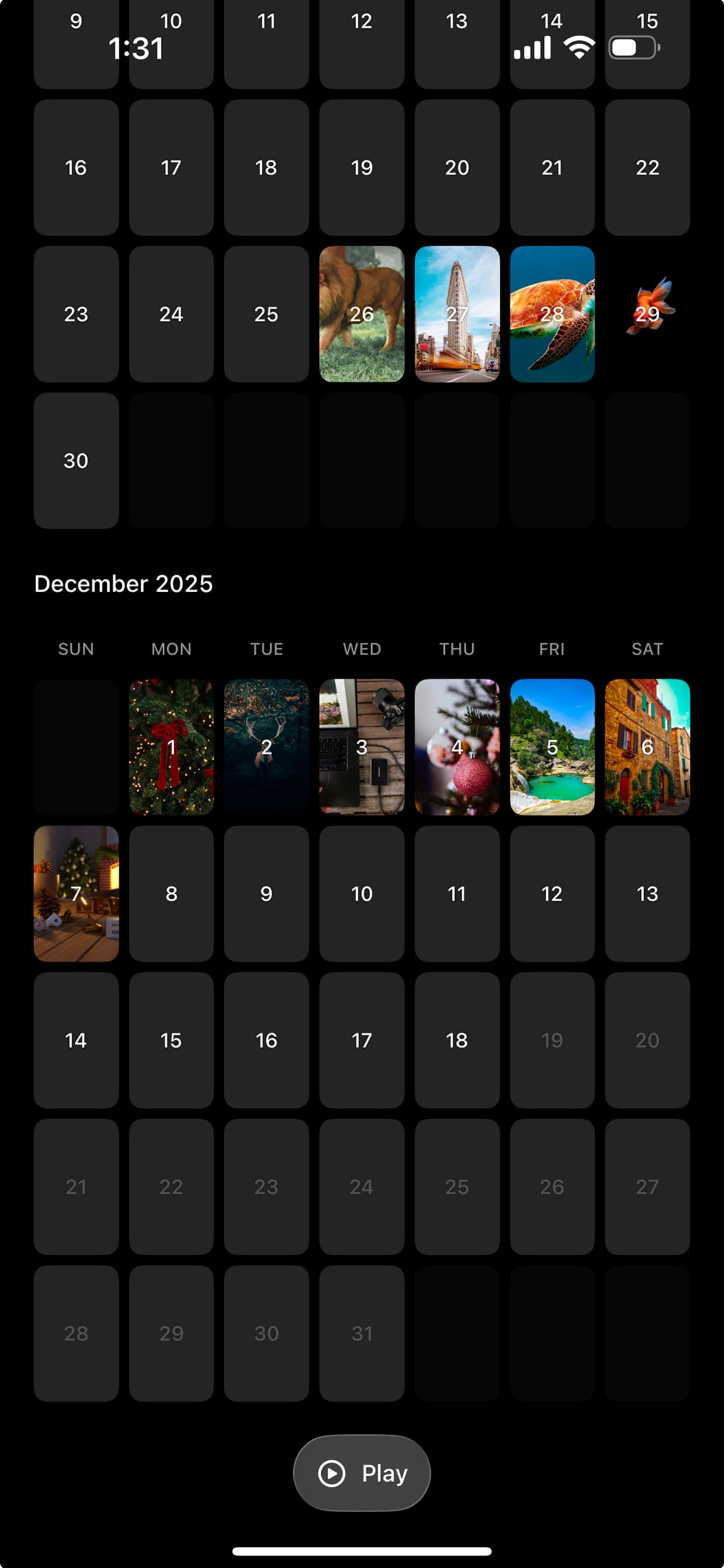
Calendar view
Pick a date and see your daily entries.
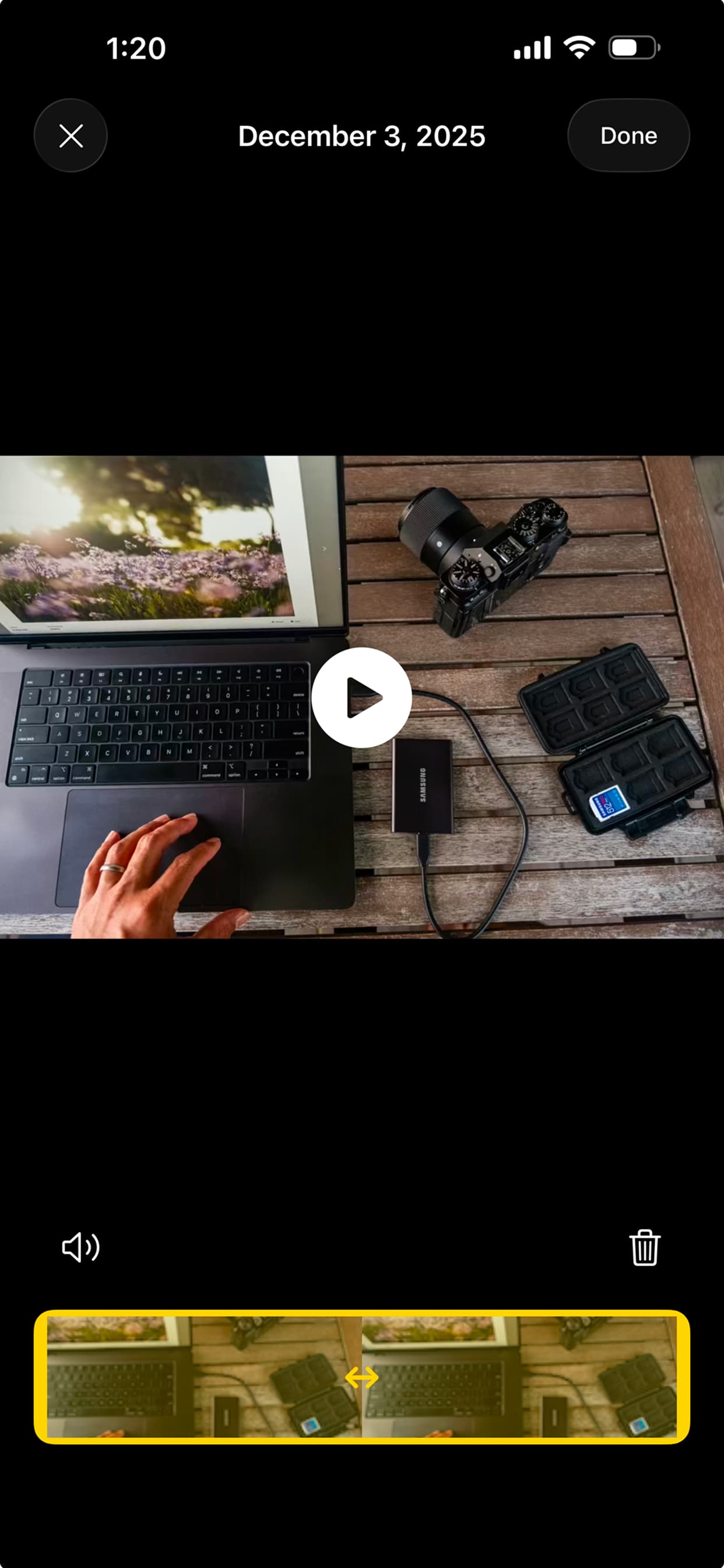
Daily timeline
Preview, reorder, or delete scenes.

Playback & export
Tap Play, then export to share.
FAQ
Quick answers.
Still have questions? Jump to Support and email us.
Do I need an account?
No. Dailyclip does not require an account.
Are my photos/videos uploaded?
No. Your media is stored locally on your device.
Can I export videos?
Yes. You can export your day/month playback as a video.
Why can exporting take time?
High-quality processing can take longer depending on length, resolution, and device performance.
Can I add both photos and videos?
Yes. Dailyclip supports both photos and short videos.
How do I contact support?
Email us at testzion83@gmail.com.
Support
We’re here to help.
Email support or send a message using the form below (opens your mail client).
Support email: testzion83@gmail.com
Prefer a dedicated page? Visit /support.